
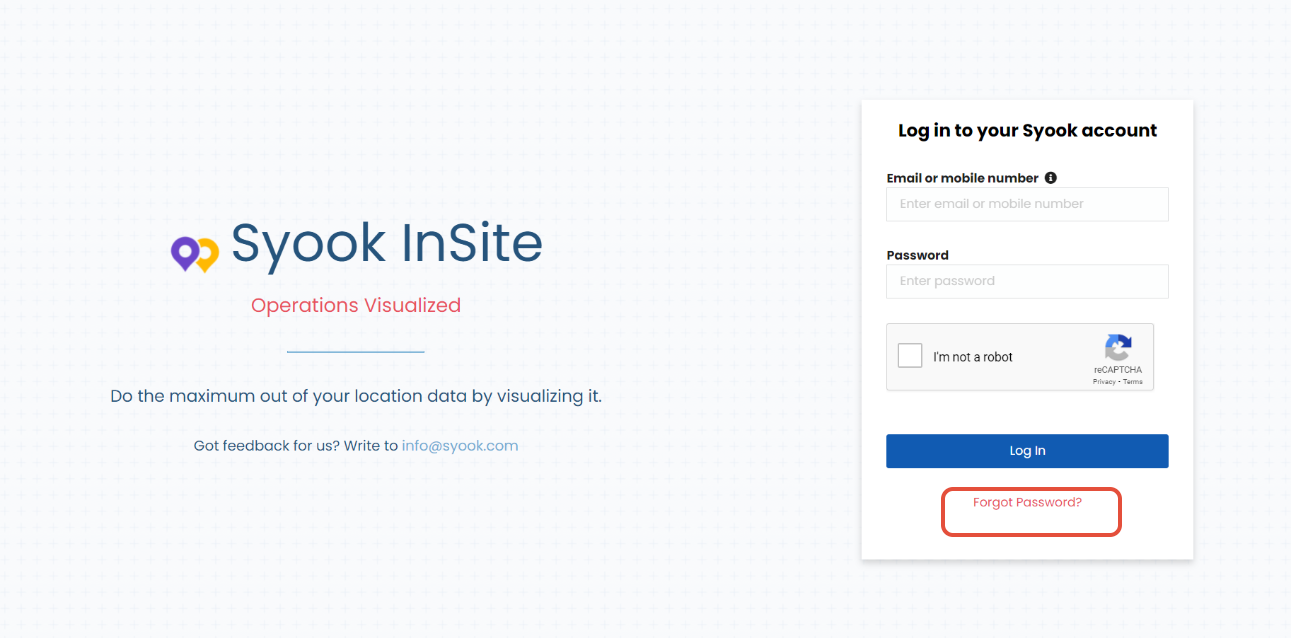
- Click on the 'Forgot Password' link in the Login Page
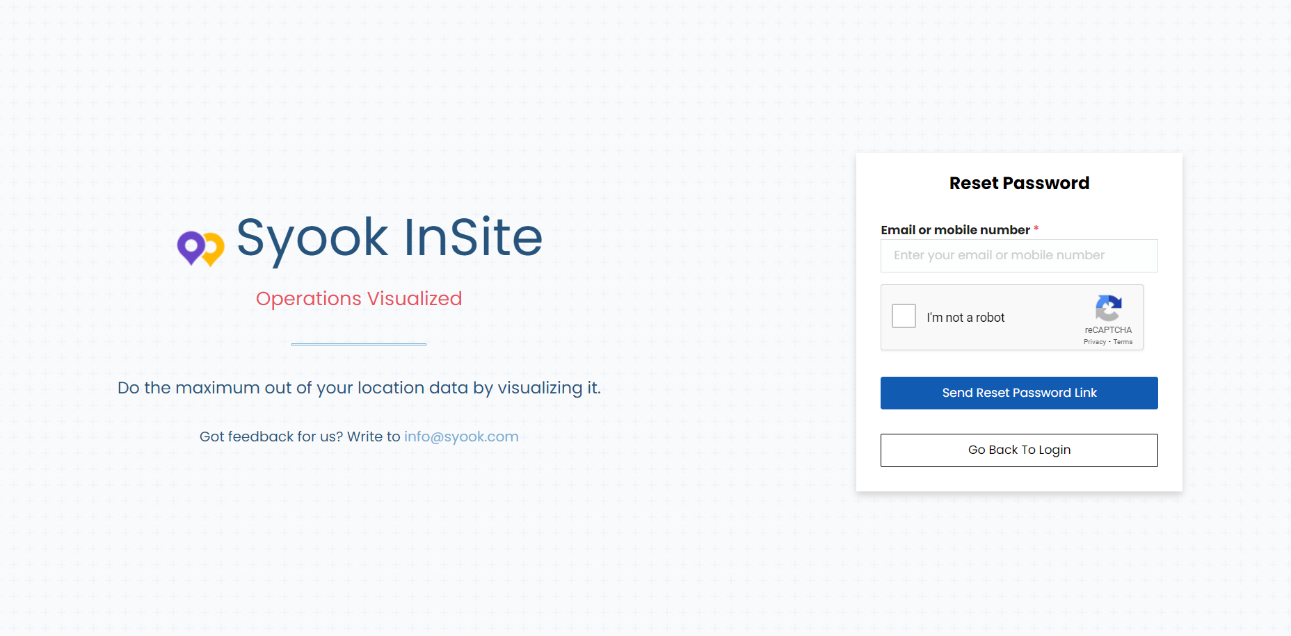
- Enter the registered email ID and enter the captcha.
- Click on the Send Reset Password Link.
- An email will be received in the registered email ID. If the email is not in the inbox folder, check the spam folder for the reset password email from support@syook.com..
- Click on the link in the email and set the new password.