Locate Gateways in Digital Map
Print
Created by: Syook Support
Modified on: Tue, 23 Aug, 2022 at 4:53 PM
- Clicking on the highlighted icon in the bottom, the gateways configured in the given layout will be shown as below.
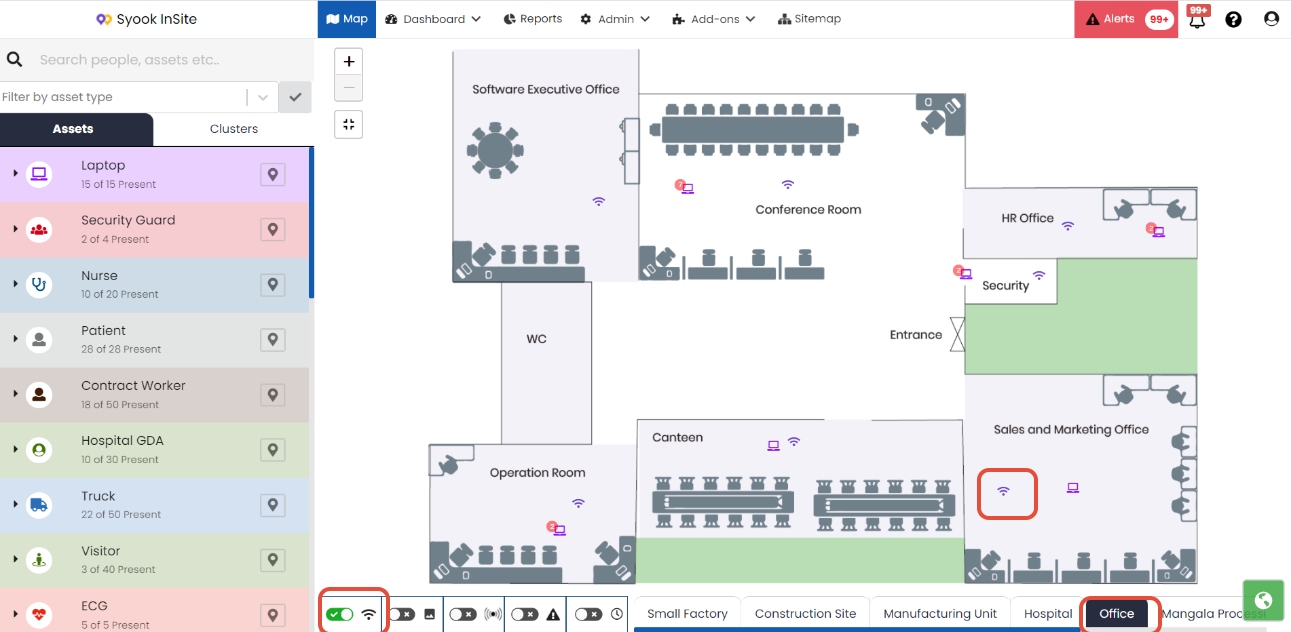
- Signal like icon shown in the digital map are the gateways configured. Clicking on the gateway icon, reader information will be shown as in the image shown above.
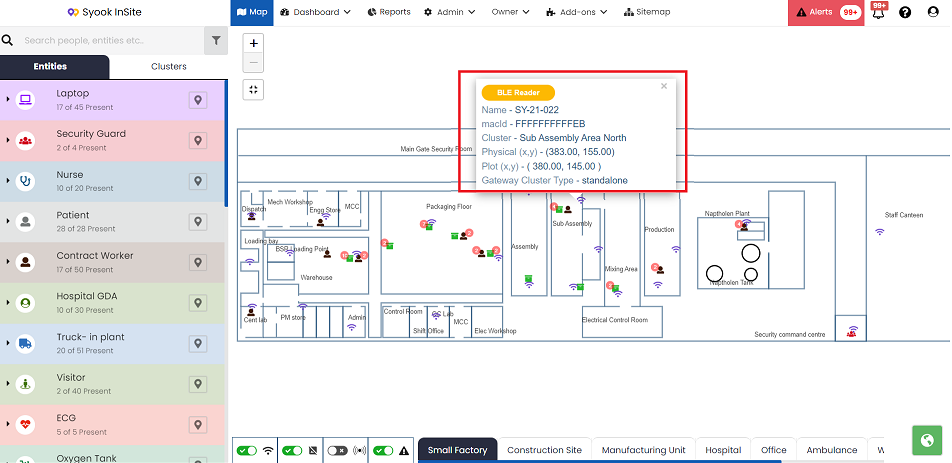
- When multiple zones are available, users can click on the desired zone to see the gateways.
Syook is the author of this solution article.
Did you find it helpful?
Yes
No
Send feedback Sorry we couldn't be helpful. Help us improve this article with your feedback.
