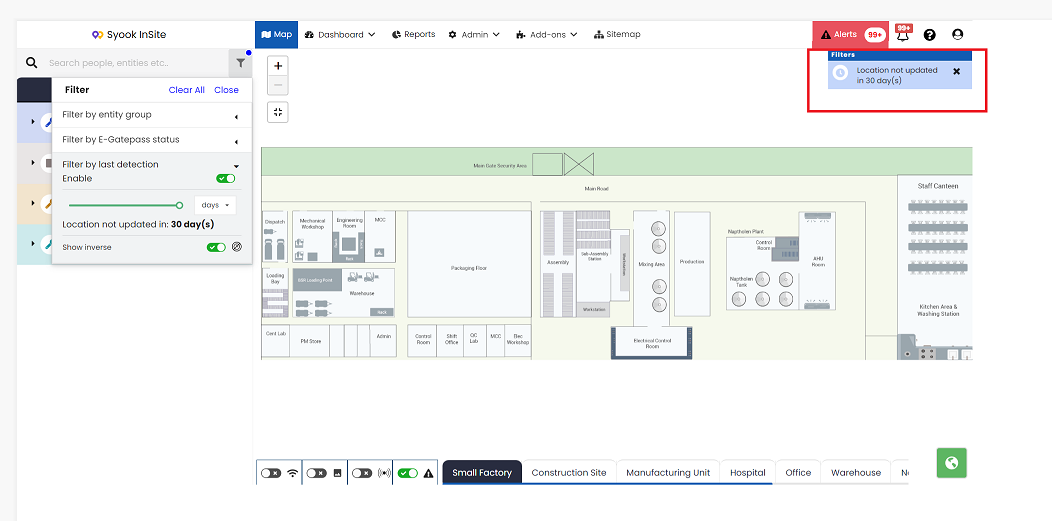
Last detected Filter
- User can filter out the entities detected / not detected in the given period of time.
- Click on the highlighted icon as shown below and click on the arrow mark near Filter by last detection.
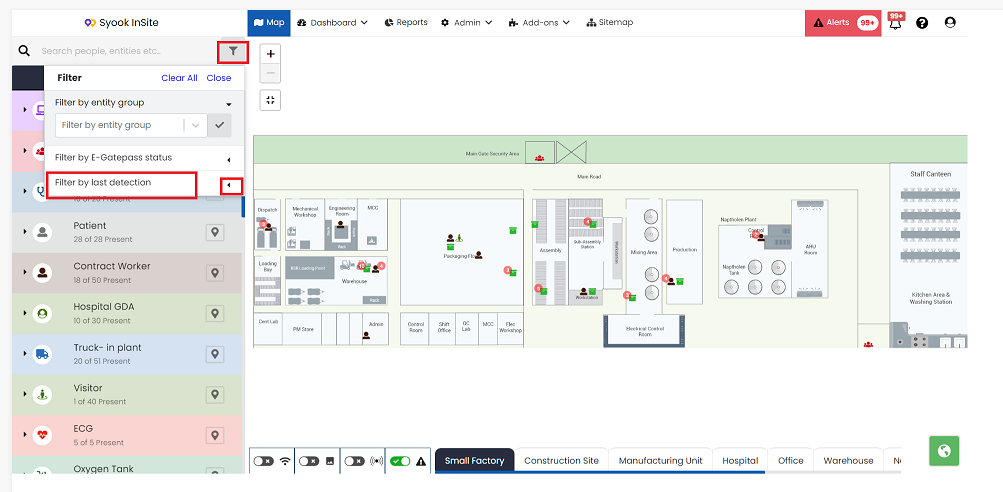
- Clicking on the arrow mark, shows the below screen
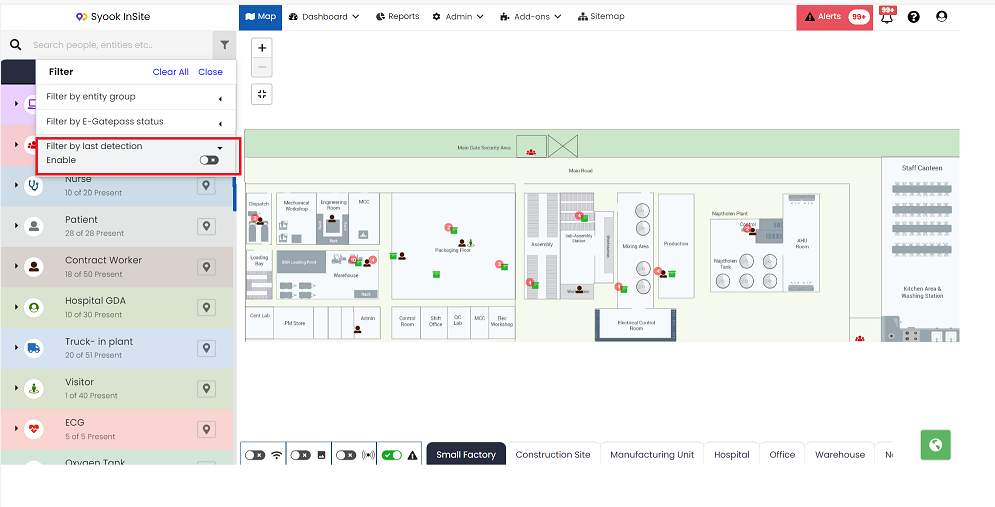
- Enable the Toggle button. It shows the below screen.
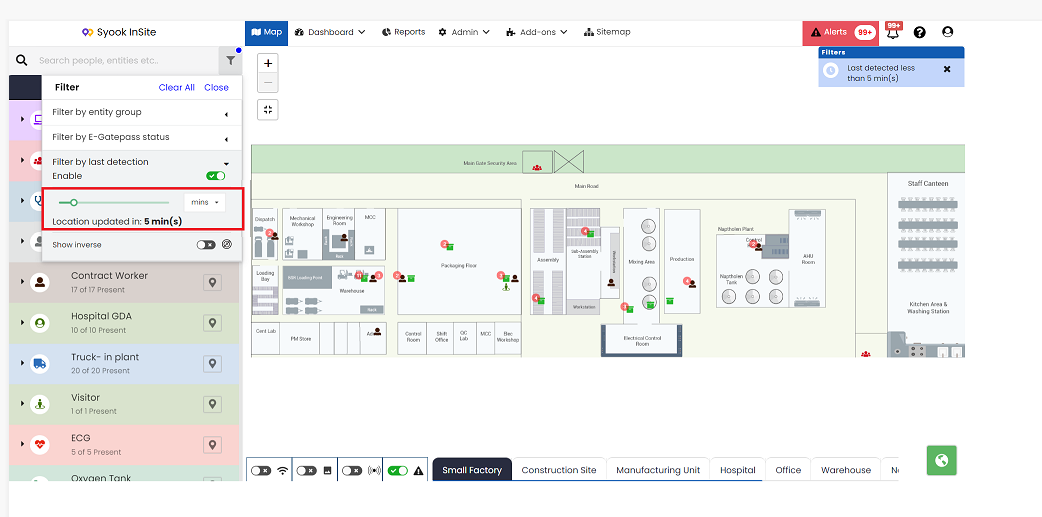
- The duration can be either in Mins/ Hrs / Days
- This shows the entities detected for the given period of time in the digital map.
- If the user wants to see the entities which were not detected for a given period of time, then inverse has to be enabled as shown below.
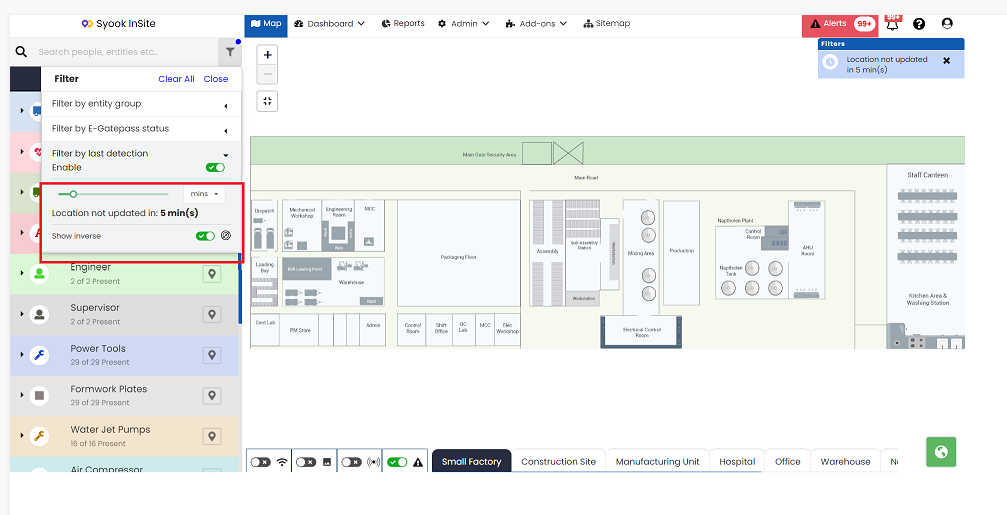
- It gives the option to view the assets which were detected for the selected time period.
- Maximum time for last detected is 30 minutes.
- If 30 minutes is selected in the last detected, then the entities which were detected in the selected zone within the last 30 minutes will be shown in the digital map.
- Time range can be selected from 0-30 minutes, 0-30 hrs or 0-30 days.