
The following real time statistics are available in the Sitemap.
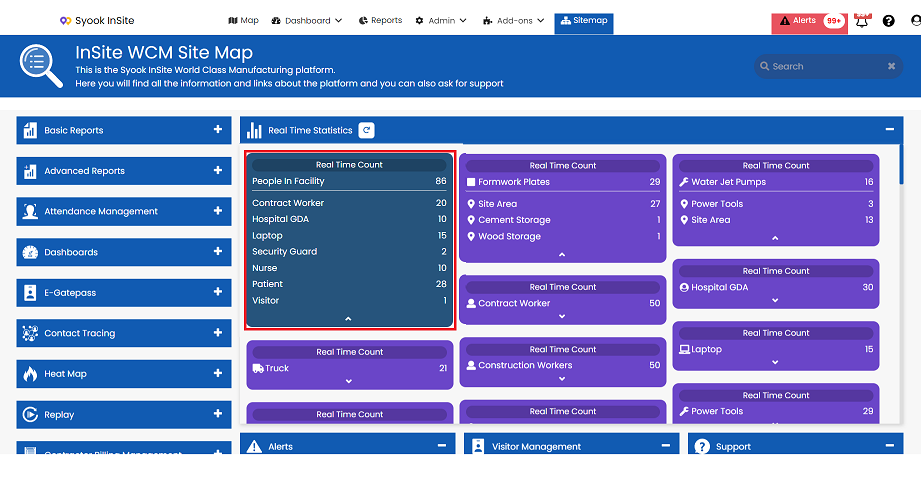
People in Facility
- It shows the count of all human assets who have logged in the facility irrespective of whether they are logged in via BLE or other third party systems.
- Tag Not detected and Tag not assigned count is shown in the People In Facility.
- Click on the arrow mark of people in facility to view the different asset types.
 E Gate Pass
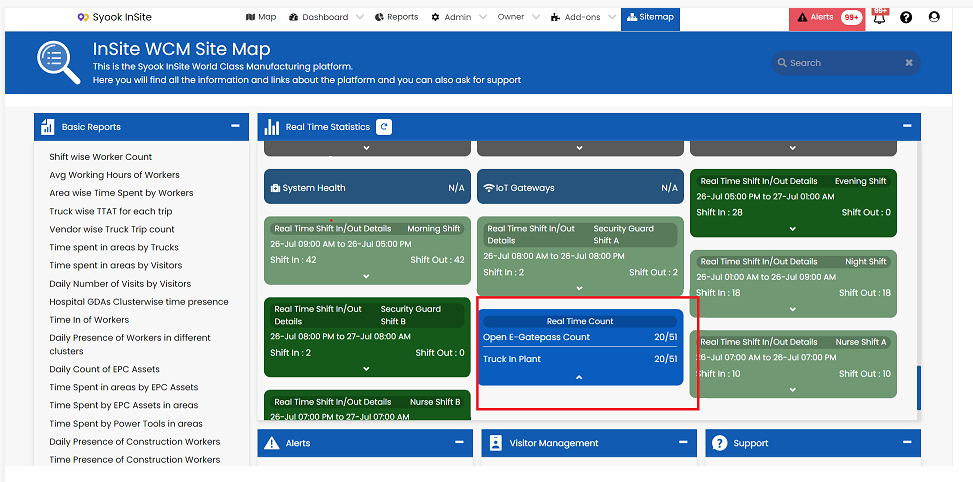
- It shows the count of open E Gate passes for the selected entity groups.
- This helps to identify the total number of E Gate passes and open E Gate passes
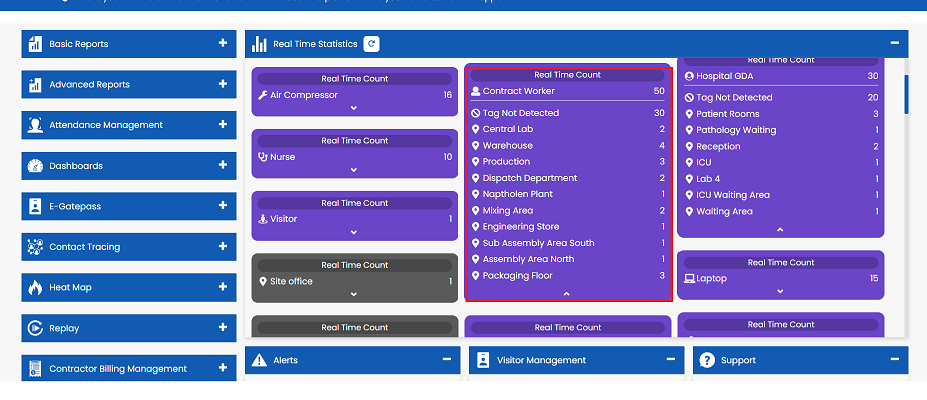
Asset Types Cards
- Click on the arrow mark of each asset type(purple cards)
- It shows the location of the assets detected in different locations
- Tag not detected and Tag not assigned will also be shown for each asset type.
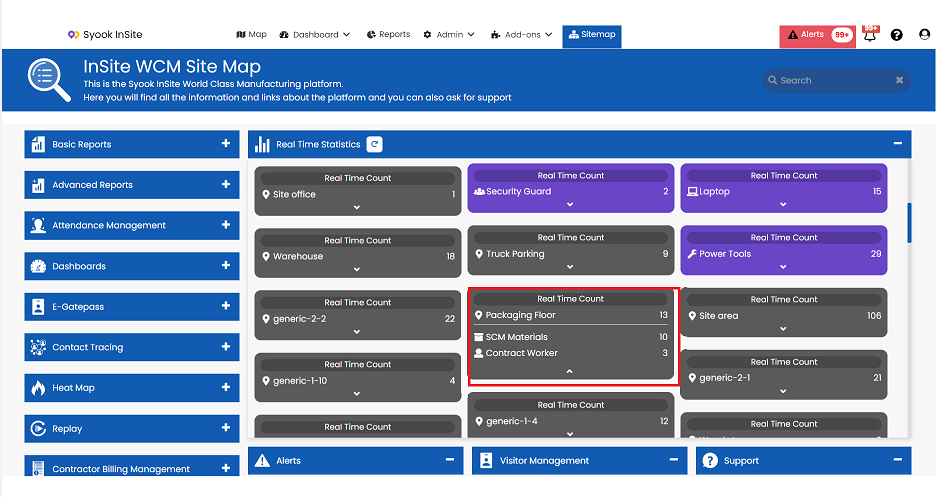
Cluster(Location) Cards
- Click on the arrow mark of each cluster(Black cards)
- It shows the count of the asset types present in the location
Shift Cards
- Click on the shift card to view the logged in and logged out of assets in each shift.(Green Card)
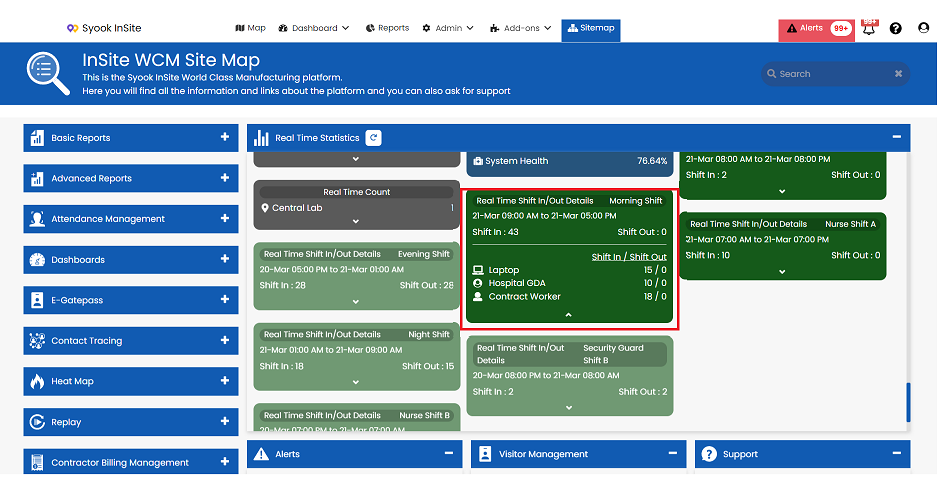
- If data is pulled from a third party system, those count also will be shown here.
- Already completed shifts and shifts which are not yet started will be disabled.
Stats cards with null value also will be shown in the Sitemap.
These can be configured in Module -> Dashboard -> Stats. Refer Stats for more details