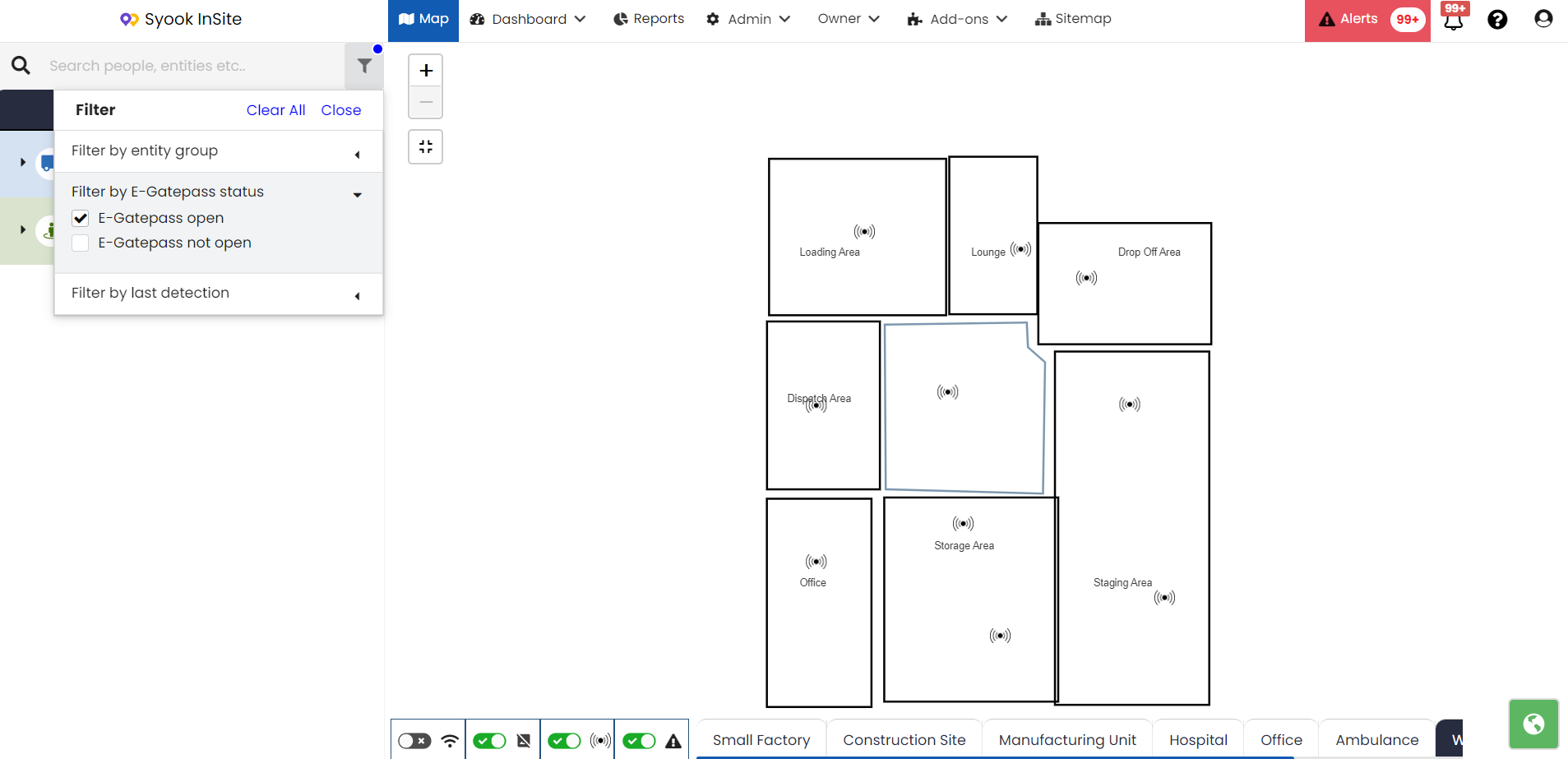
The E Gate pass visual indicator helps to identify the entities for which the E Gate pass is open / closed just by click of a button.
Click on the filter icon as shown below and click on the Filter By E Gate pass Status
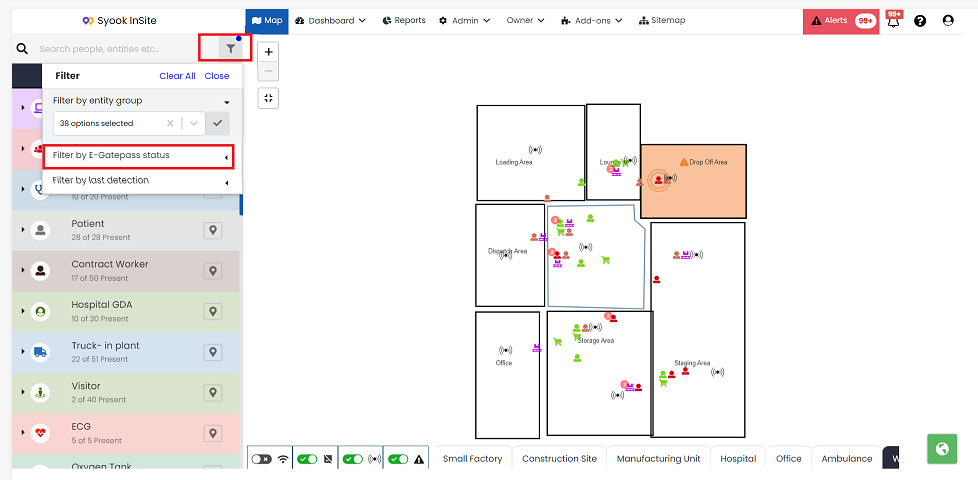
Clicking on the Filter by E Gate pass Status, shows the below options.
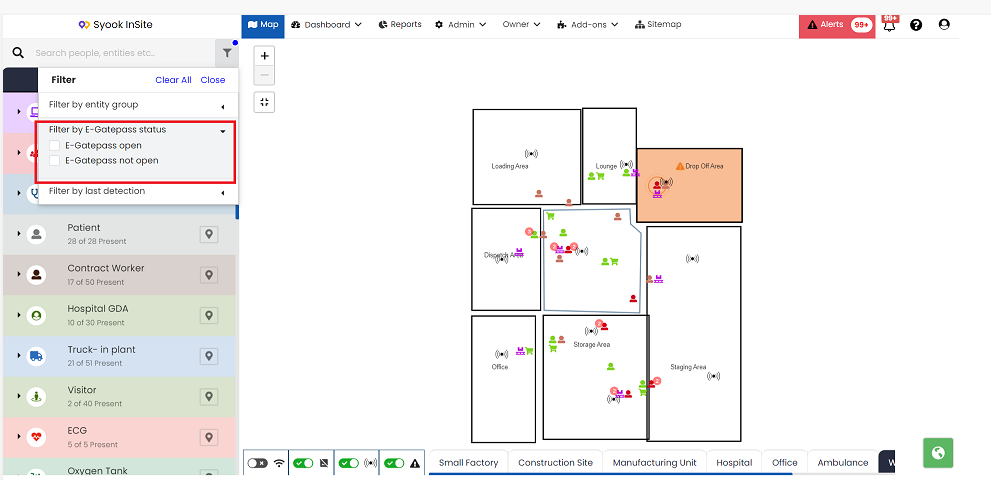
Select E-Gatepass open and click on the Apply button, it shows the E Gate passes with status as 'Open'
Select E-Gatepass not open and click on the Apply button, it shows the E Gate passes with status as 'Closed / Rejected / custom Status'